
Less visual clutter
Filtering banners, overlays and pop-ups can make article pages and web apps easier to scan.
Independent product guide • Updated August 6, 2026
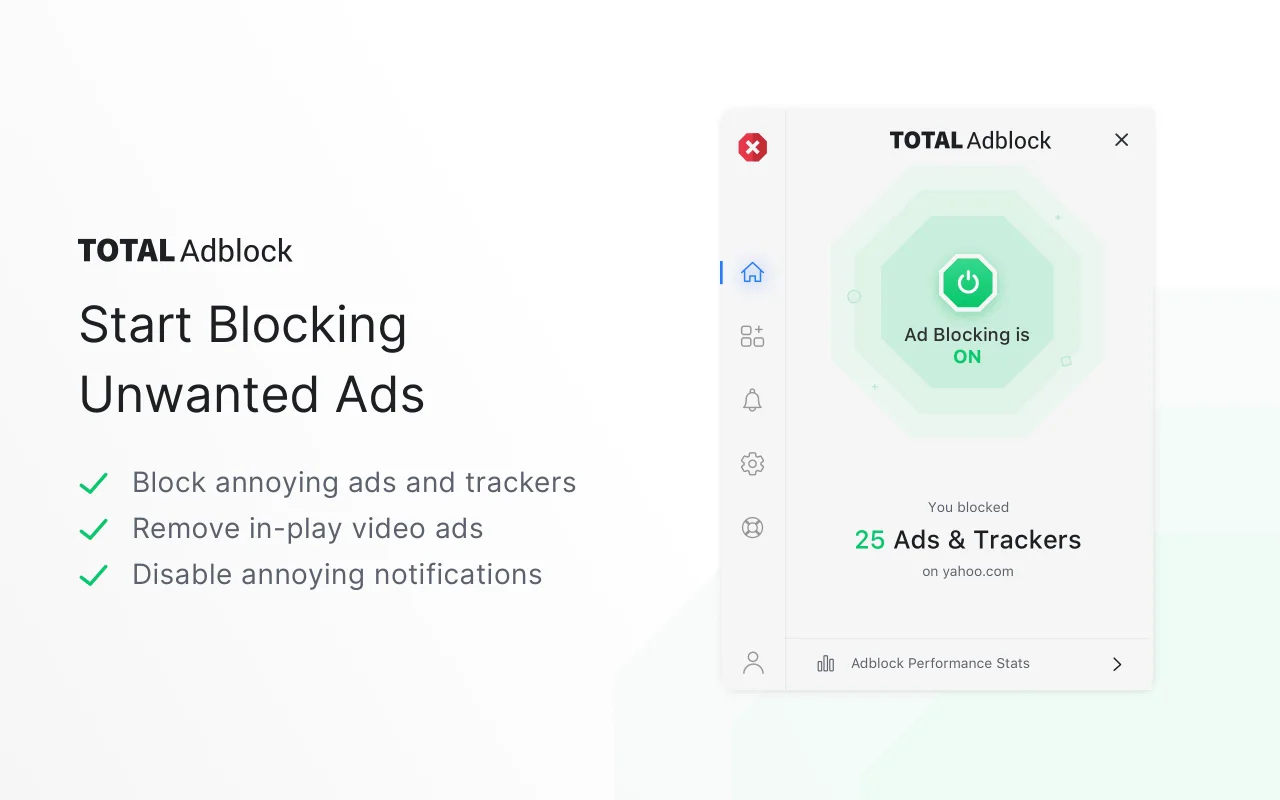
Total Adblock is an ad-blocking product designed to filter unwanted ads, pop-ups, advertising requests and intrusive trackers. It also provides customization controls, notification-management tools and a website allowlist for pages where users choose to permit acceptable ads.
Ad blocking can vary by browser, website, device and filter rules. Review current plan terms and compatibility on the destination website.
Quick answer
Total Adblock is a browser-focused ad-blocking tool that uses filtering rules to stop many advertising and tracking requests before they load. It can also hide ad elements already present on a page, reduce some pop-ups and notifications, and let users allow ads on selected websites. Results vary across sites and platforms.
Product overview
Total Adblock is designed for browser users who want fewer visual interruptions, less exposure to common advertising trackers and more control over which websites may display ads. It may suit people who stream videos, read news sites, shop online or use content-heavy pages where banners, overlays and tracking scripts can make browsing feel cluttered.
This guide distinguishes confirmed product features from general ad-blocker benefits. Blocking ads may reduce some page resources, but it does not guarantee faster loading, complete privacy, protection from every malicious website or removal of every advertisement.
Read the purpose and limitations →Potential benefits
These are potential category-level benefits, not guaranteed outcomes for every browser or website.
Filtering banners, overlays and pop-ups can make article pages and web apps easier to scan.
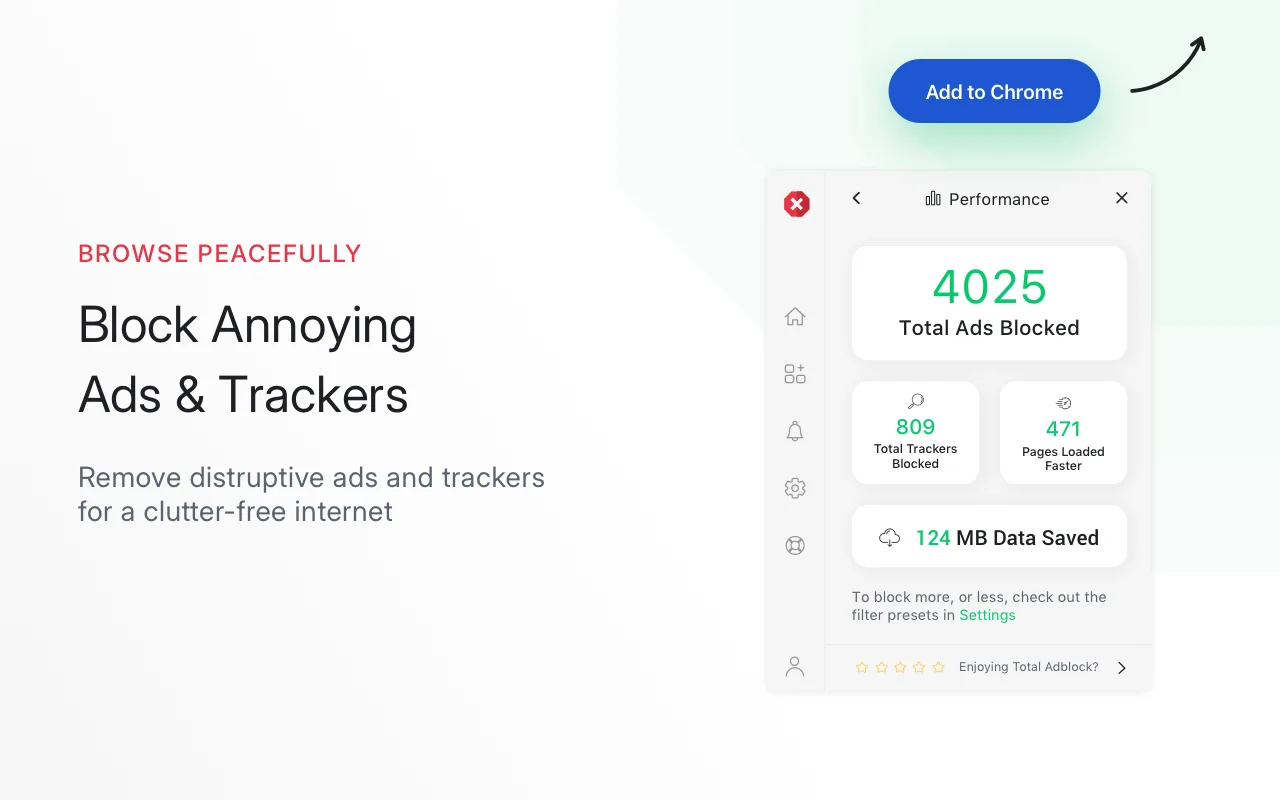
Blocking known advertising trackers can reduce some third-party requests made during browsing.
Video-ad filtering may remove selected in-play ads, although website changes can affect results.
Presets and allowlists help users decide how strictly ads should be filtered on different websites.
Core features
Uses filter rules to block requests associated with advertising networks, tracking scripts and disruptive page elements.
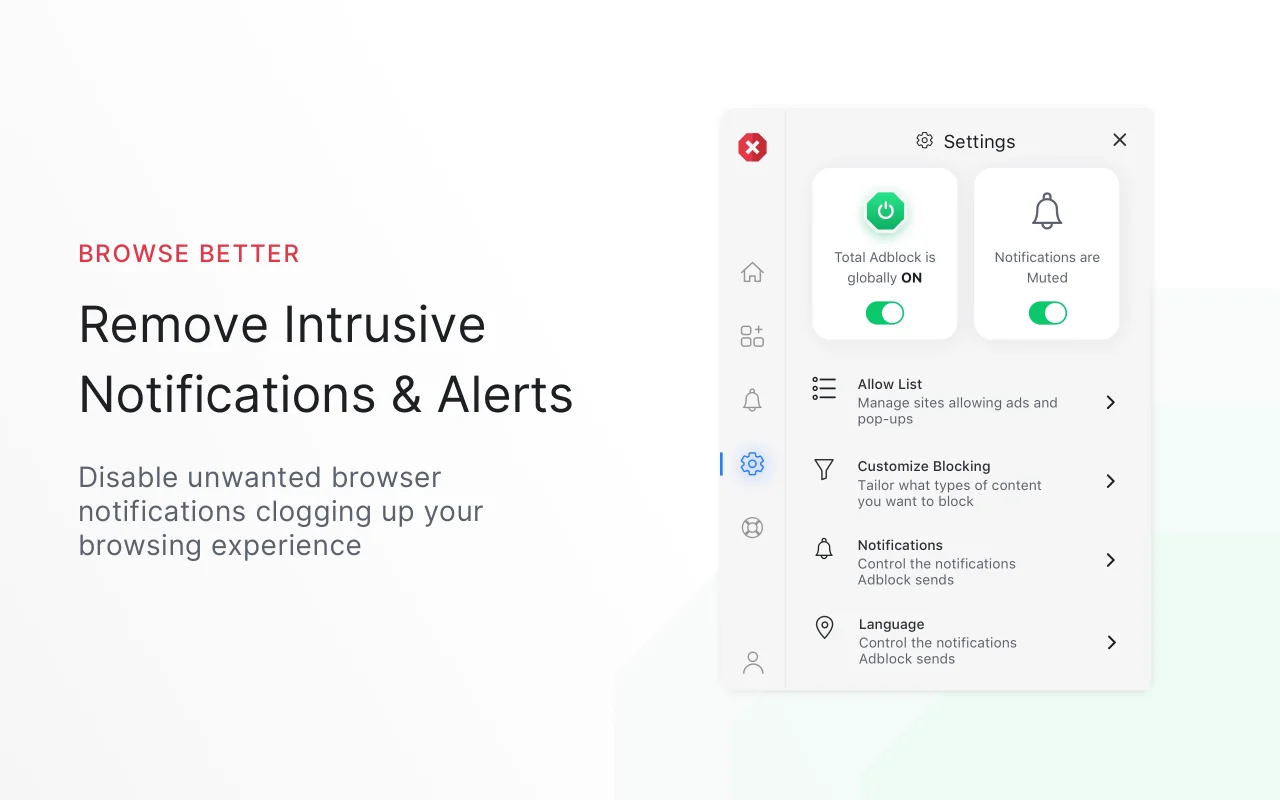
Helps reduce intrusive pop-ups and selected browser notification prompts that interrupt normal browsing.
Targets selected advertising content shown before or during online videos. Coverage can change when streaming platforms update.
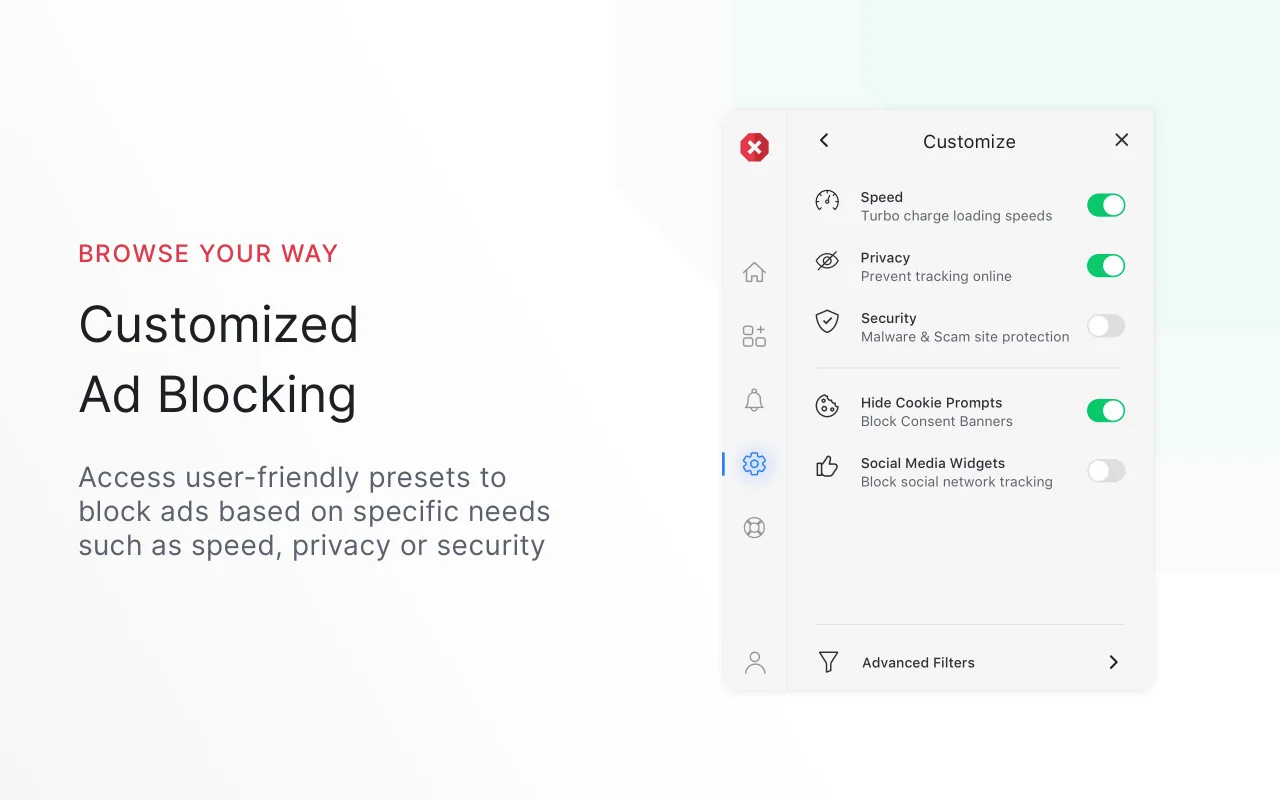
Offers user-friendly configurations intended to prioritize goals such as speed, privacy or security.
Lets users allow advertising on selected websites, including sites that depend on ads or require blocking to be disabled.
Can connect with other products in the Total Security suite. Availability and functionality depend on the selected plan and device.
How it works
Check the current browser, device, free-feature and paid-feature requirements before creating an account.
Use the official store or destination instructions and review requested browser permissions.
Select the desired preset, enable relevant controls and decide whether any websites should be allowlisted.
Open frequently used pages, check for broken functions and adjust site-specific settings when necessary.
Practical use cases
Reduce banners, overlays and visual interruptions on information-heavy pages.
Attempt to filter selected pre-roll or in-play ads while recognizing that platform changes can affect blocking.
Limit some third-party tracking requests across many websites during comparison or research sessions.
Allow ads on trusted publishers through a personal acceptable-ads list.
Comparison
| Criterion | Ad blocker | Built-in pop-up blocker | Private browsing mode |
|---|---|---|---|
| Blocks many display ads | Often, based on filters | No | No |
| Blocks some tracking requests | Often, if included in filters | No | Usually not from websites |
| Stops new pop-up windows | Often | Yes, for many pop-ups | Uses normal browser rules |
| Prevents local history after session | No | No | Generally helps |
| Can allow selected websites | Usually | Often | Not applicable |
Product interface
The supplied images show examples of Total Adblock’s browser interface and feature explanations. Interface details may change after updates.
Current offer
No fixed price is published on this independent guide.
The destination website controls pricing, availability and terms.
Before subscribing
Confirm the exact browser and device versions that are supported.
Identify which filters and customization tools require a paid account.
Check the price after any introductory period and how cancellation works.
Consider whether frequently used sites require allowlisting or special settings.
Frequently asked questions
No. Ad-blocking results depend on filter lists, browser rules and how a website delivers ads. Some ads may appear until filters are updated or settings are changed.
Yes. Some websites detect missing ad resources or known blocking behavior and may request that users disable the blocker or allowlist the site.
No. It can block known third-party tracking requests included in its filters, but account logins, first-party analytics, browser fingerprinting and other methods may still identify activity.
Yes. Total Adblock provides an Acceptable Ads or allowlist function so users can permit advertising on websites they choose.
All login, account and offer buttons use the supplied affiliate destination. Confirm the destination domain and current terms before entering account or payment information.
Learning center
Understand request filtering, cosmetic filtering, filter lists and the limits of browser extensions.
Use browser controls, ad-blocking settings and good privacy habits without breaking important website functions.
Follow the usual installation, settings, website testing and troubleshooting process.
Ready to review the offer?
Confirm compatibility, included features, introductory pricing, renewal pricing and cancellation rules on the destination website.